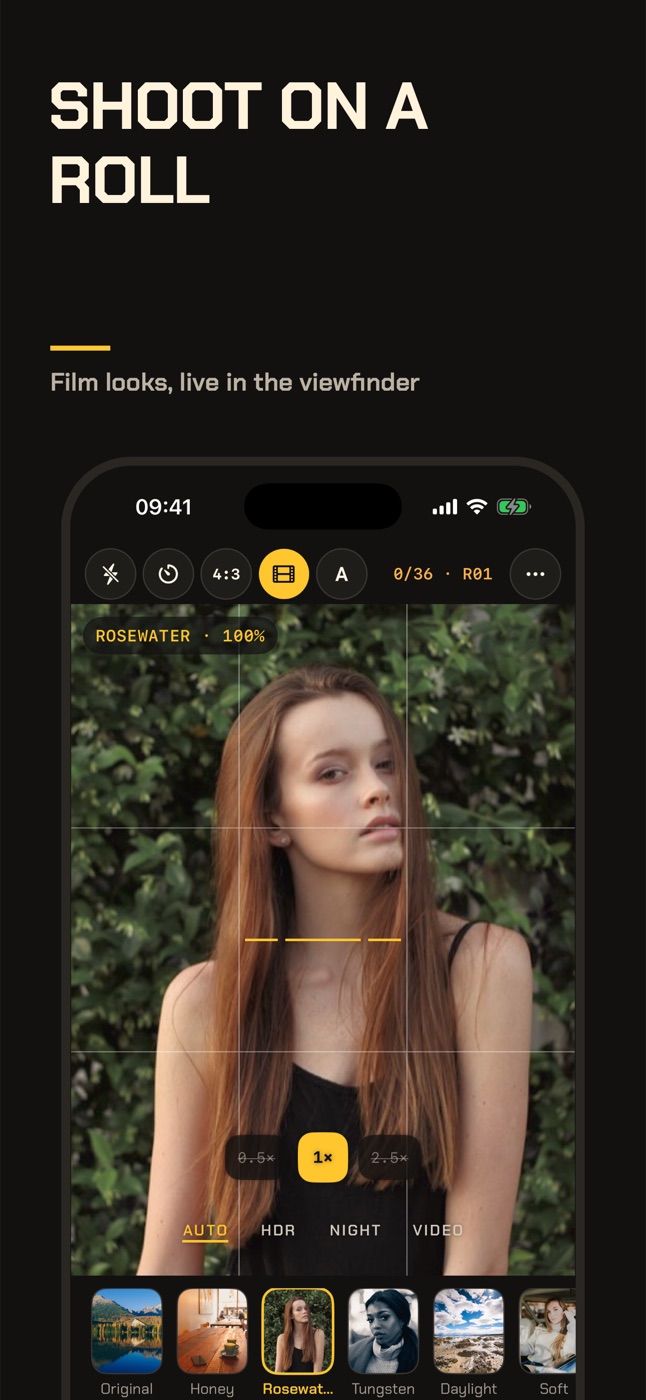
Shoot on a roll
Load 12, 24 or 36 exposures and make every frame count, or shoot in digital mode. Real controls: ISO, shutter, focus, white balance, HDR and Night, a light meter and video clips.
Film camera and photobooth for iPhone and Android
Shoot on a roll of 12, 24 or 36, see the look before you press the shutter, develop like a negative, and make a photobooth strip. Free with ads. No account.
iPhone with iOS 16 or later · Android 8.0 or later
See the looks25 film looks and Original. Each preview below is a photo rendered through that look's real colour table.
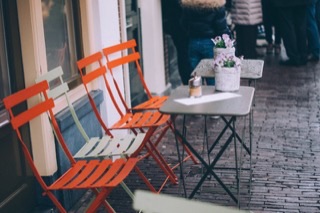
Original
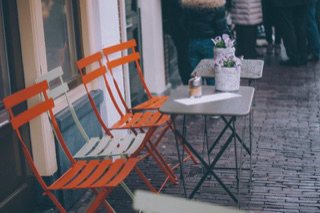
Linen
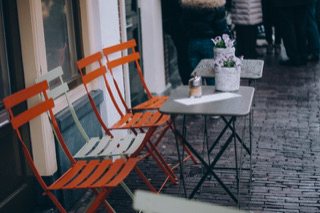
Fern
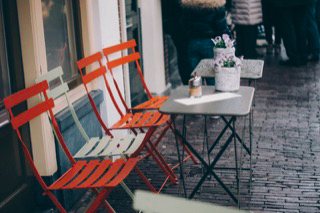
Highland
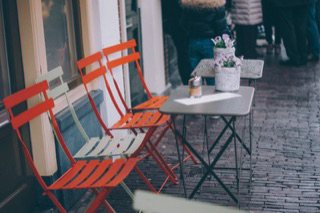
Bluebird
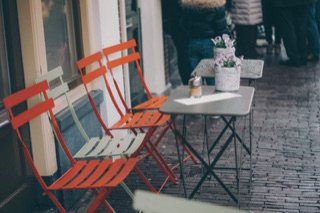
Sunhaze
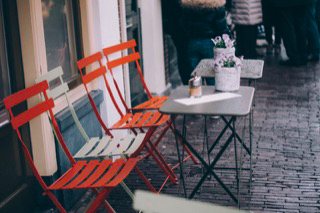
Picnic
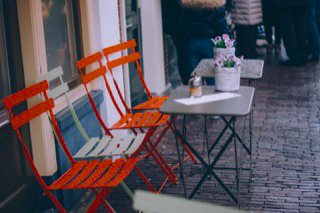
Dusk
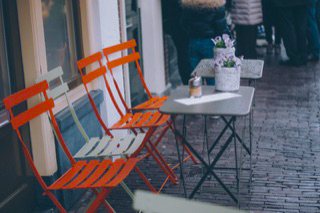
Bloom
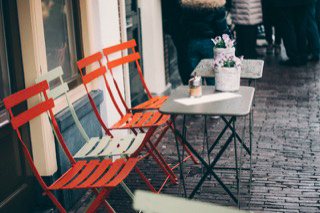
Jade
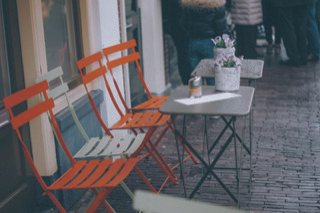
Mist
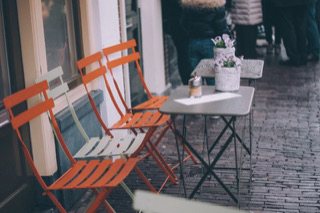
Cashmere
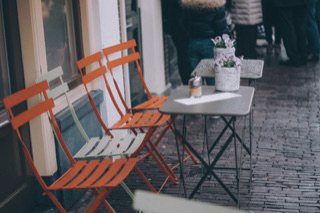
Shoreline
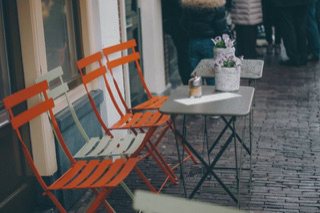
Roast
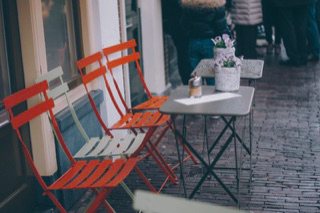
Daydream
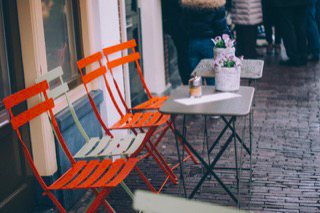
Amber
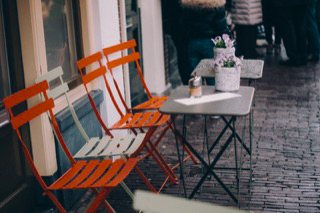
Antique
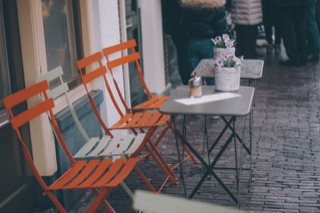
Canopy
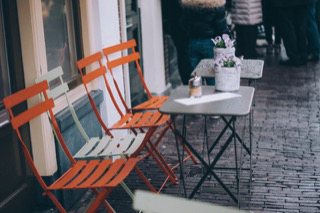
Glacier
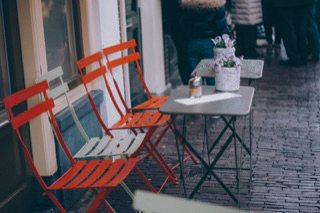
Lamplight
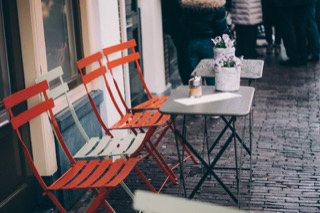
Seaglass
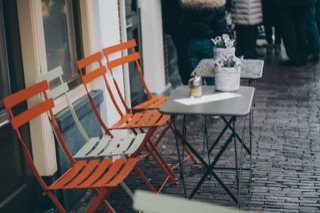
Garden
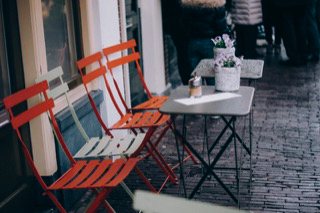
Petal
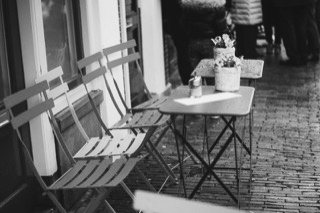
Classic Mono 400
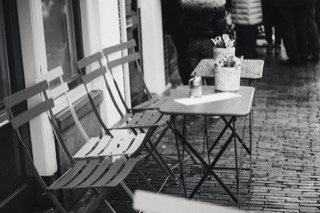
ShotLab Silver Noir
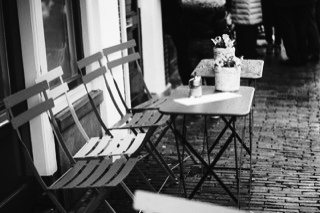
ShotLab Street Mono
Colour preview only: in the app, some looks also add grain, a vignette and the camera's tone mapping.
Swipe the strip at the bottom of the camera. The look is already in the viewfinder, so what you see is what you get.
Load 12, 24 or 36 exposures and make every frame count, or shoot in digital mode with no limit.
Edit like a negative, put 2 to 4 photos in a photobooth strip, then save or share. Your photos stay in ShotLab on your phone.
Load 12, 24 or 36 exposures and make every frame count, or shoot in digital mode. Real controls: ISO, shutter, focus, white balance, HDR and Night, a light meter and video clips.
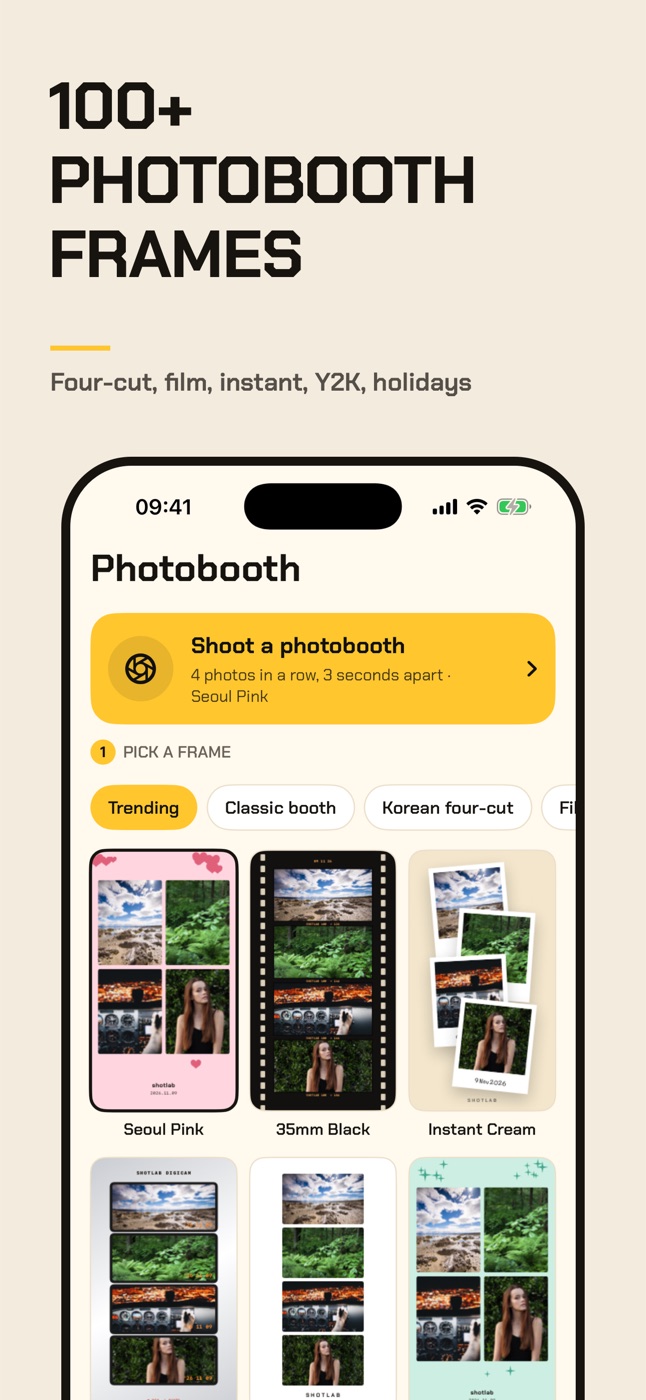
From the classic booth strip to the Korean four-cut, film, instant prints, Y2K and holiday frames. Put 2 to 4 photos in one, move and zoom each, then save or share.
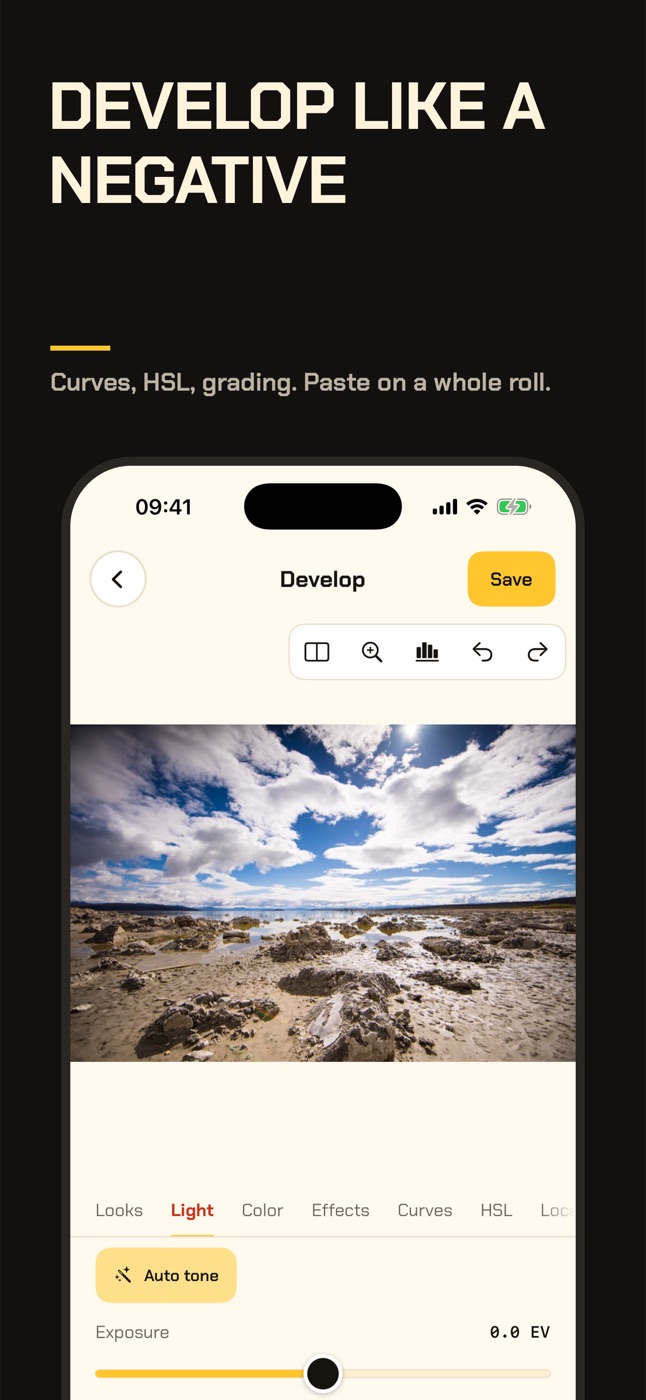
An editor with curves, HSL, colour grading, local gradients, crop and straighten, presets, and paste edits on a whole roll at once.
Make your own look from colour samples or a .cube file, and on iPhone share a look with a friend as a QR code.
ISO, shutter, focus and white balance, HDR and Night, and video clips.
A built-in light meter for exposure, handy with film settings.
RAW (DNG) where your phone supports it, and maximum resolution. In Premium, or open for a day by watching an ad.
Curves, HSL, colour grading, local gradients, crop and straighten, presets, and paste edits on a whole roll.
104 designs from the classic booth strip to the Korean four-cut, film, instant prints, Y2K and holidays.
Make your own look from colour samples or a .cube file, and tune any look to your taste.
100 film recipes and 10 short guides on settings, composition and light, inside the app.
Choose a camera body: an analog one switches the camera to Film, a digital one to Digital.
A quick way back to the camera from your home screen.
The camera with a film look and the roll counter
Photobooth: pick a frame design
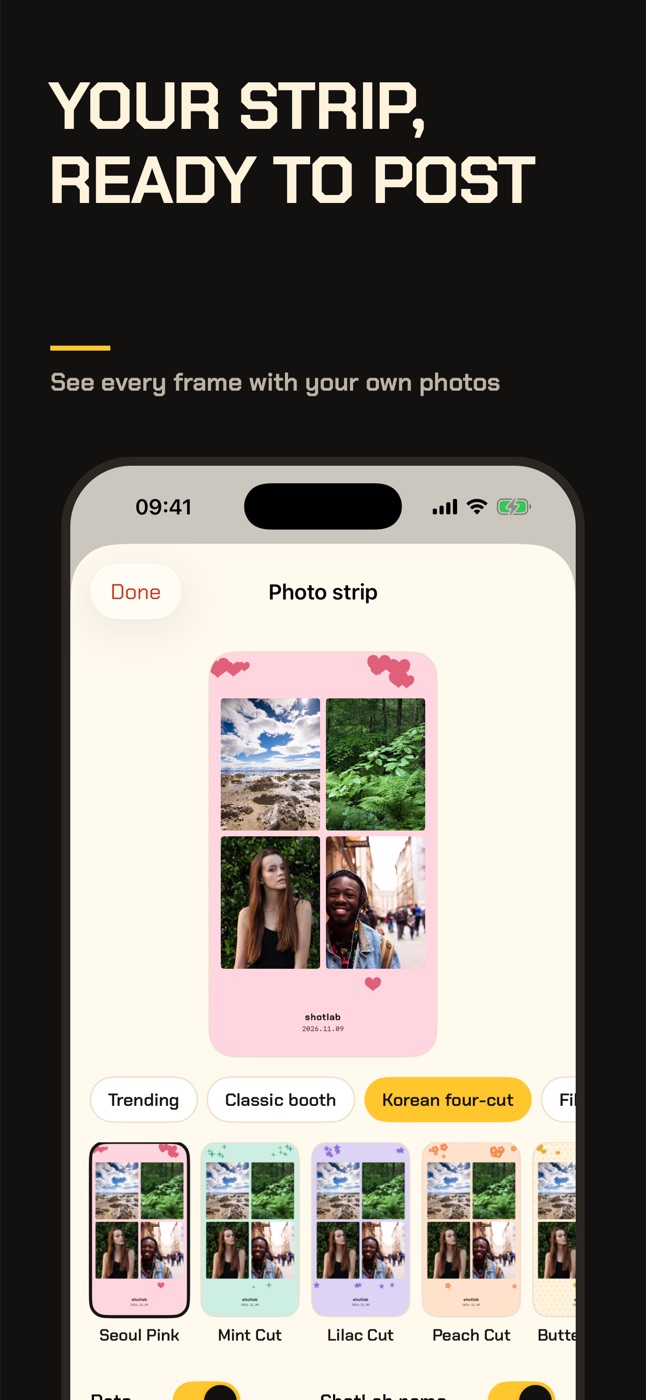
A photobooth strip with four photos
The editor
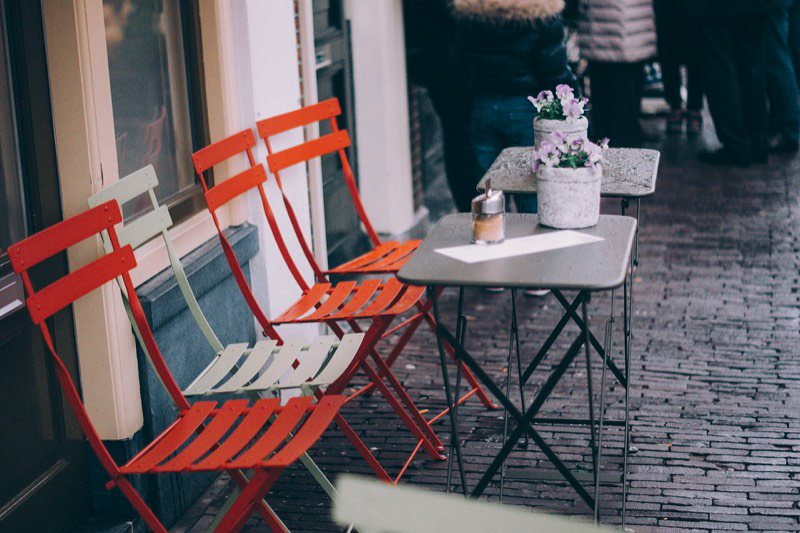
Drag the line. The right side is the same photo rendered through the look you pick.
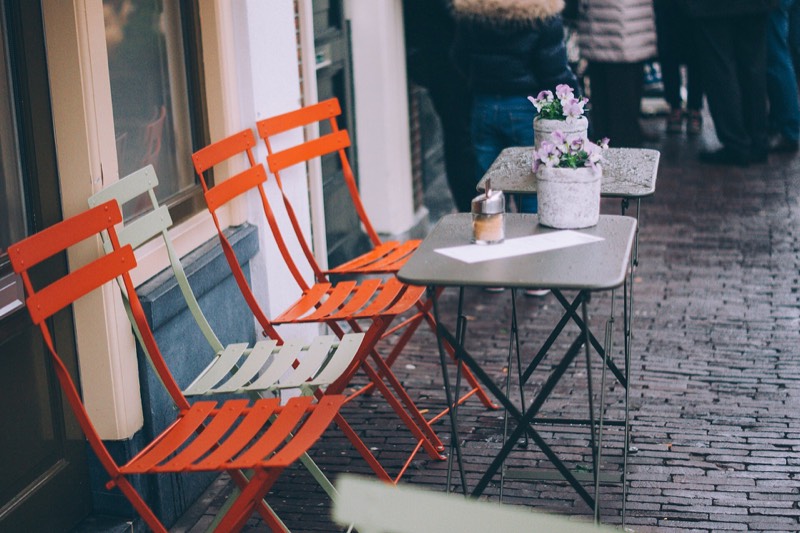 BeforeAfter · Picnic
Photo: CC0, see the credits on the Looks page. Colour preview only.
ShotLab is free with ads. Premium removes the ads and opens more tools.
Premium removes the ads and opens RAW, maximum resolution, and Curves and HSL, plus extra export formats. Or open one of them for a day by watching an ad.
Weekly
$0.99
per week
no free trial
Yearly
$9.99
per year
3-day free trial
Lifetime
$24.99
one time
no free trial
Prices shown are the App Store's US dollar list prices. Google Play shows the price for your country.
Premium →Your photos stay on your phone, in ShotLab, until you choose to save or share them. No account.
No. ShotLab has no sign-in. Your photos, edits and looks stay on your phone.
Yes, on Google Play, for Android 8.0 or later. On iPhone it needs iOS 16 or later; there is no iPad version.
In ShotLab on your phone until you choose to save or share them. On iPhone, saving to Photos asks for add-only access.
Camera for photos, video and the light meter. Microphone only for the sound of video clips. Photos (add only on iPhone) when you save. Location, to note where a photo was taken, and notifications are optional. Saying no to an optional one never blocks the camera or the editor.
Develop is set to Instantly by default. The other options keep film shots hidden until later on purpose, as a film does. You can change it in Settings.
Yes, with Premium. The free version shows Google AdMob ads. Google's consent form and, on iPhone, Apple's tracking prompt may appear; if you decline, every feature still works.
Free with ads. No account. Your photos stay on your phone.